
The Ultimate VJ
manual.
Installation, clip playback, effects, MIDI,
output, and troubleshooting.
Install the app.
Play your first clips.
Install Ultimate VJ, take a tour, and get your first clips playing.
brew tap weswalz/ultimatevj
brew install --cask weswalz/ultimatevj/ultimatevj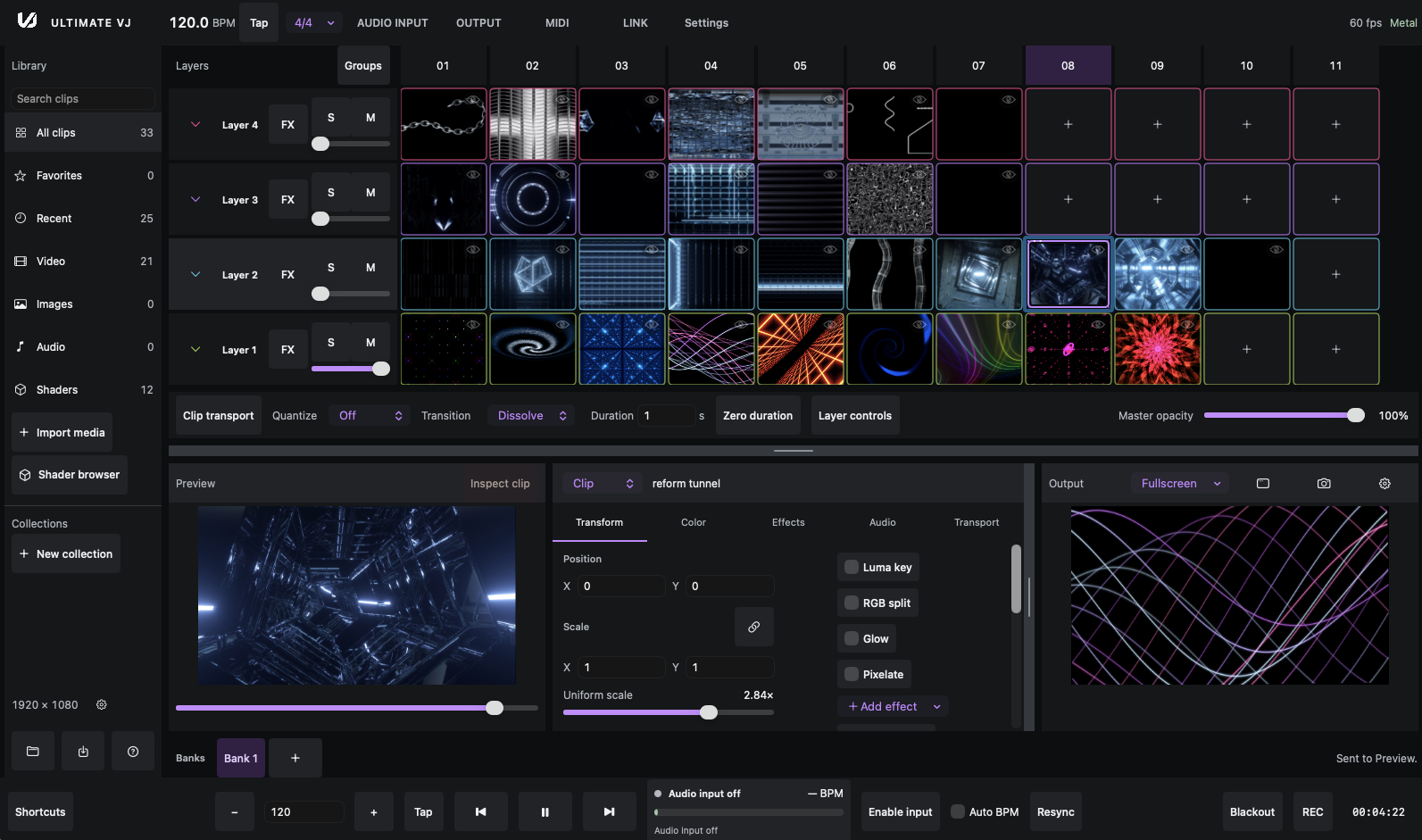
Explore the guides
Find your topicGetting started
Install the app, learn the basics, and keep your preview up to date.
The workspace
Organize banks and layers, control clip playback, and configure the workspace.
Effects & shaders
Shape the image with effect stacks, modulation, and RenderWave shaders.
Audio
Work with file audio, audio analysis, and tempo detection.
Tempo & sync
Keep your clips in time with tempo, Link, and quantization.
Output & recording
Take your composition to a display, map an output, or record a set.
Control & integrations
Play from the keyboard, connect MIDI, or use the local control API.
Sets & storage
Save your work and understand sets, presets, and storage.
Reference & troubleshooting
Find a shortcut, check a format, or work through a problem.
Common questions
Answers to common questions about the app and its workflow.
Troubleshooting
Check the troubleshooting guide or browse common questions.